WorldFlight 2026
RAISING MONEY FOR CHARITY · 43 SECTORS

About WorldFlight 2026
Round-the-world relay flying for charity, seven days non-stop.
About
WorldFlight is a global flight simulation event that's run every year since 1999 - virtual pilots worldwide fly one continuous route around the globe over seven days on the VATSIM network, raising over $1,000,000 for charity along the way.
Ness Aviation takes part every year, flying sectors of the route and fundraising for a chosen charity. WorldFlight 2026 runs 31 October - 7 November, covering all 43 sectors in a Boeing 737 MAX 8. Follow the Schedule tab, see who's flying, or bid for a slot yourself.
Join us
WorldFlight is really about spending a lot of hours together, including some very questionable ones. We're looking for people who are:
- Able to fly the 737 MAX 8, communicate on VATSIM, or both
- Friendly, fun, and good team players
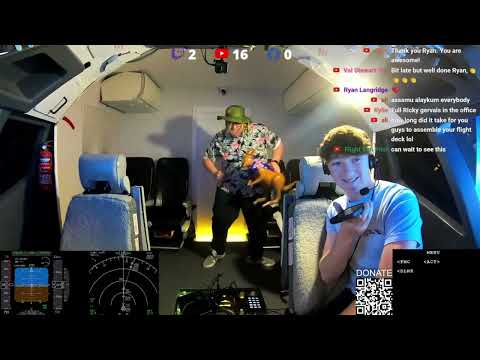
- Happy being part of our live streams
- Up for a laugh and keeping viewers entertained
- Able to commit some time during the week
- Willing to help fundraise, not just fly
- Enthusiastic about raising as much as we can for a great cause
Keen? Head to Bid for a leg to put yourself forward.
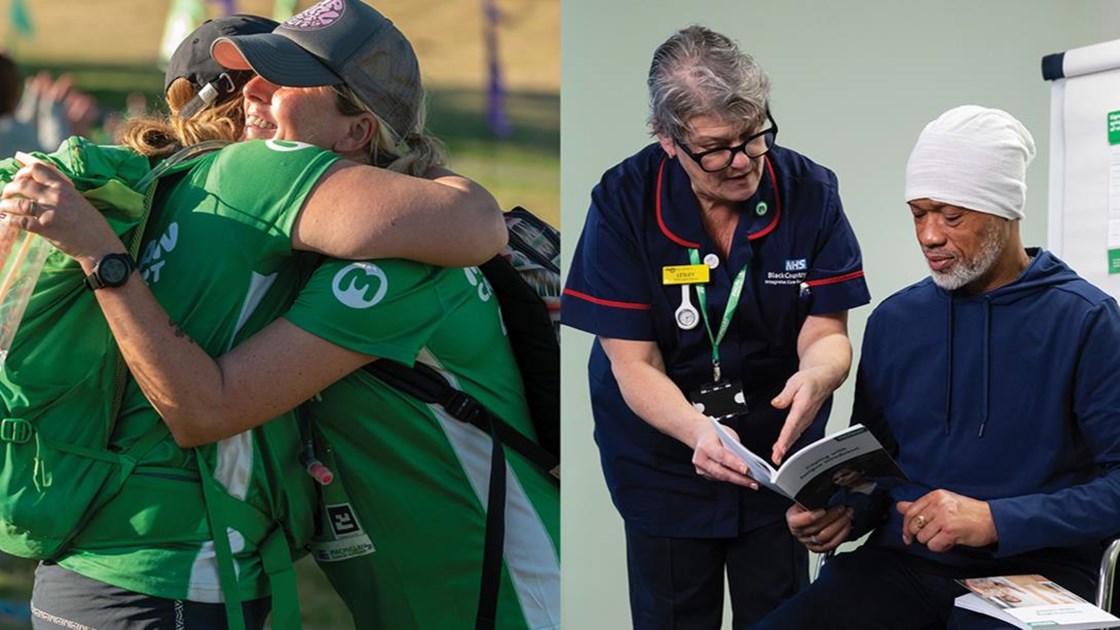
Supporting people and families affected by cancer, whoever and wherever they are.
Donate via JustGivingWhat we've raised
Our fundraising total from each year we've taken part.
Watch & listen
Video and podcast highlights from past WorldFlight events.
Sector schedule
Tap a row to see crew for that leg.
Now flying
Whatever's set here is what your stream overlay shows.
Stream overlay view is a stripped-down, high-contrast panel sized for cropping into OBS as a window capture or browser source. It updates automatically as the organizer changes the current leg. Ready-made links for the landscape and portrait overlays are on the Overlays tab.
Stream overlays
Live overlays for OBS or any streaming software. They update by themselves, and only ever show information that is already public on this site.
How to add one
- In OBS or Streamlabs, add a Browser Source.
- Paste the link for the overlay you want, and set the width and height suggested below.
- That's it. Nothing needs refreshing - it follows whatever leg is set as Now flying.
Adds &bg=transparent to the links below so the stream shows through instead of a black bar. Text gets a soft shadow so it stays readable over video. You can add &bg=transparent to any of the links by hand too.
The strips and the route overlay show nothing until a leg has been set as Now flying. The fundraising goal bar always shows, and the podcast overlay shows whenever a podcast slot exists.
Bid for a leg
Enter your name, email, age and city once, then bid on any open Captain or First Officer slot.
Organizer tools
Enter the ops PIN to add legs, set who's currently flying, and manage bids. Anyone with this PIN can edit - share it only with your ops team. 3 wrong attempts locks it for 10 minutes.